Hob displays error message E0 / E1
Issue
- Hob displays error message E0 or E1
Applies to
- Cooktop
Solution
Error message E0 indicates a power board configuration error
Error message E1 indicates a user interface configuration error
Disconnect the appliance from power for at least 30 seconds.
Note: To restart the appliance, disconnect it from the mains and wait 30 seconds before switching it back on.
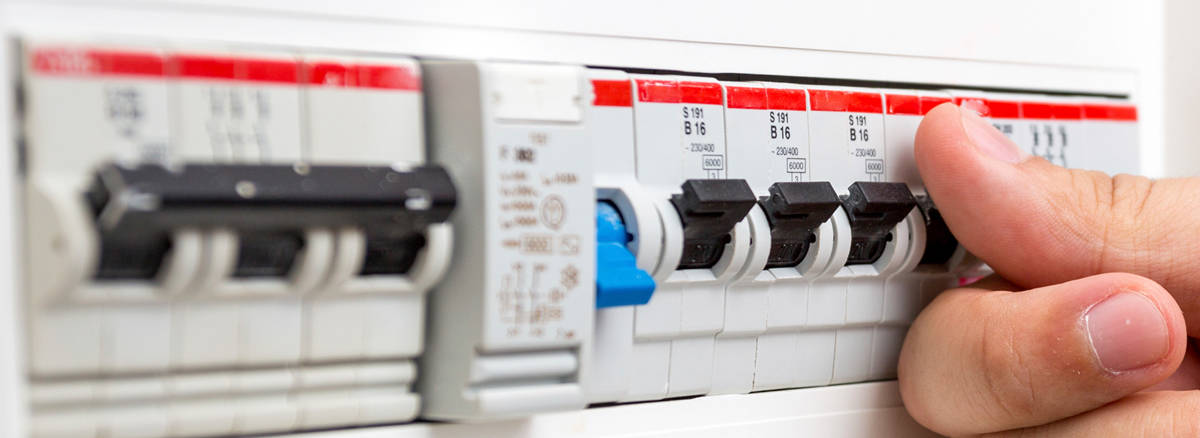
In the case of built-in appliances, it is not necessary to physically disconnect the cable - the appliance can be disconnected using the household RCD breaker.
Contact an Authorized Service Centre.
If the above steps don't resolve the issue, we recommend contacting an Authorized Service Centre.
Was this article helpful?
Related Articles
- Oven displays error F101 or F102
- The Hob2Hood function does not work with the cooker hood
- Error F E6 or E7 on AEG electronic gas on glass hob and will not ignite
- Discoloured marks or bubbles ceramic glass cleaning tips
- Cleaning reminder displays even after cleaning
- Stains or marks on SaphirMatt cooktop – Cleaning advice
- Carbon Filters How often should you replace them
- Hob displays message A
- Oven Child Lock - Turning On and Off AEG
- Cleaning Oven Door - Video
Related Articles
- Oven displays error F101 or F102
- The Hob2Hood function does not work with the cooker hood
- Error F E6 or E7 on AEG electronic gas on glass hob and will not ignite
- Discoloured marks or bubbles ceramic glass cleaning tips
- Cleaning reminder displays even after cleaning
- Stains or marks on SaphirMatt cooktop – Cleaning advice
- Carbon Filters How often should you replace them
- Hob displays message A
- Oven Child Lock - Turning On and Off AEG
- Cleaning Oven Door - Video